Woon · loop engine · iPhone / iPad / Mac
The song never ends.
Woon finds the loop seam your ears can’t hear — and your song plays forever.
Room 01 · Loop
Press play once. Stay.
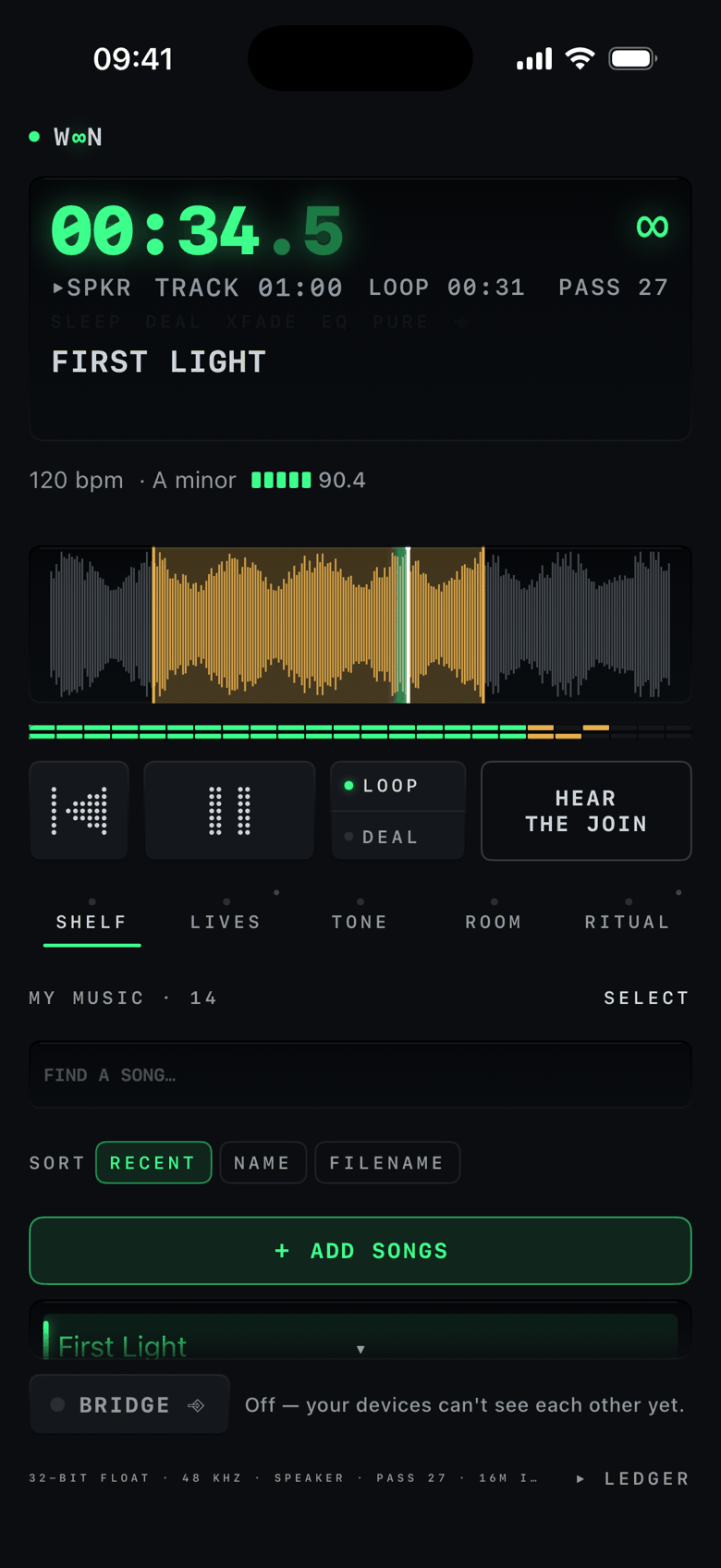
Woon reads the whole file and finds the seam your ears can’t hear — then holds the part you love, without a gap, a fade, or a stumble. Every join is measured and graded out of 100 before you’re allowed to hear it.
Skeptical? Press HEAR THE JOIN and the machine plays you its own seam. If a join can be heard, Woon never calls it seamless — it tells you the grade instead.
Room 02 · Night
It falls asleep with you.
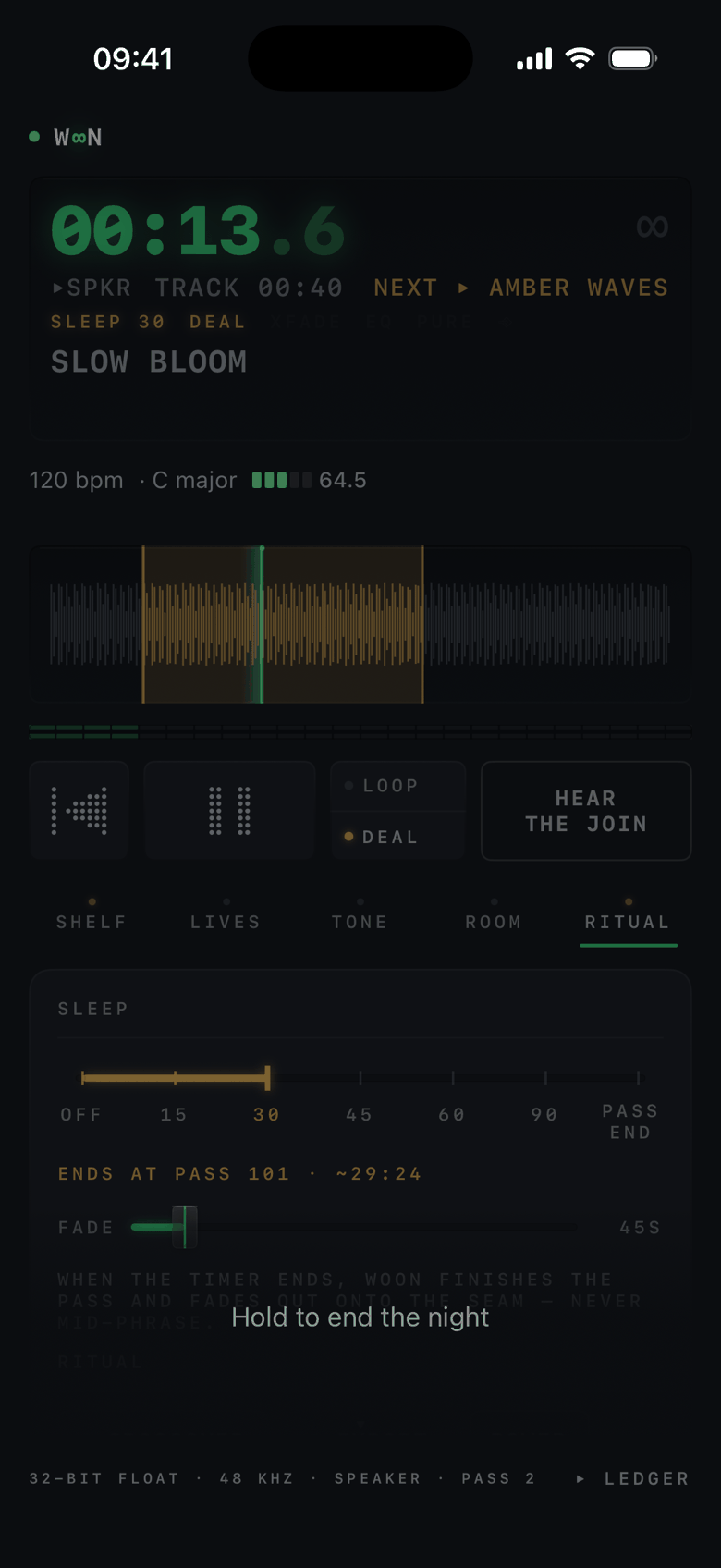
A timer that ends on the seam — and an off switch worth pressing at 2am. When the time comes, Woon never cuts mid‑phrase: it finishes the pass and lets go on the join, fading onto the seam itself. Set it in minutes, or tell it which pass to end on.
Then the deck goes dark the way good hardware does: one dim green dot. Hold to wake.

Room 03 · Instruments
Take the drums out. Keep the song.
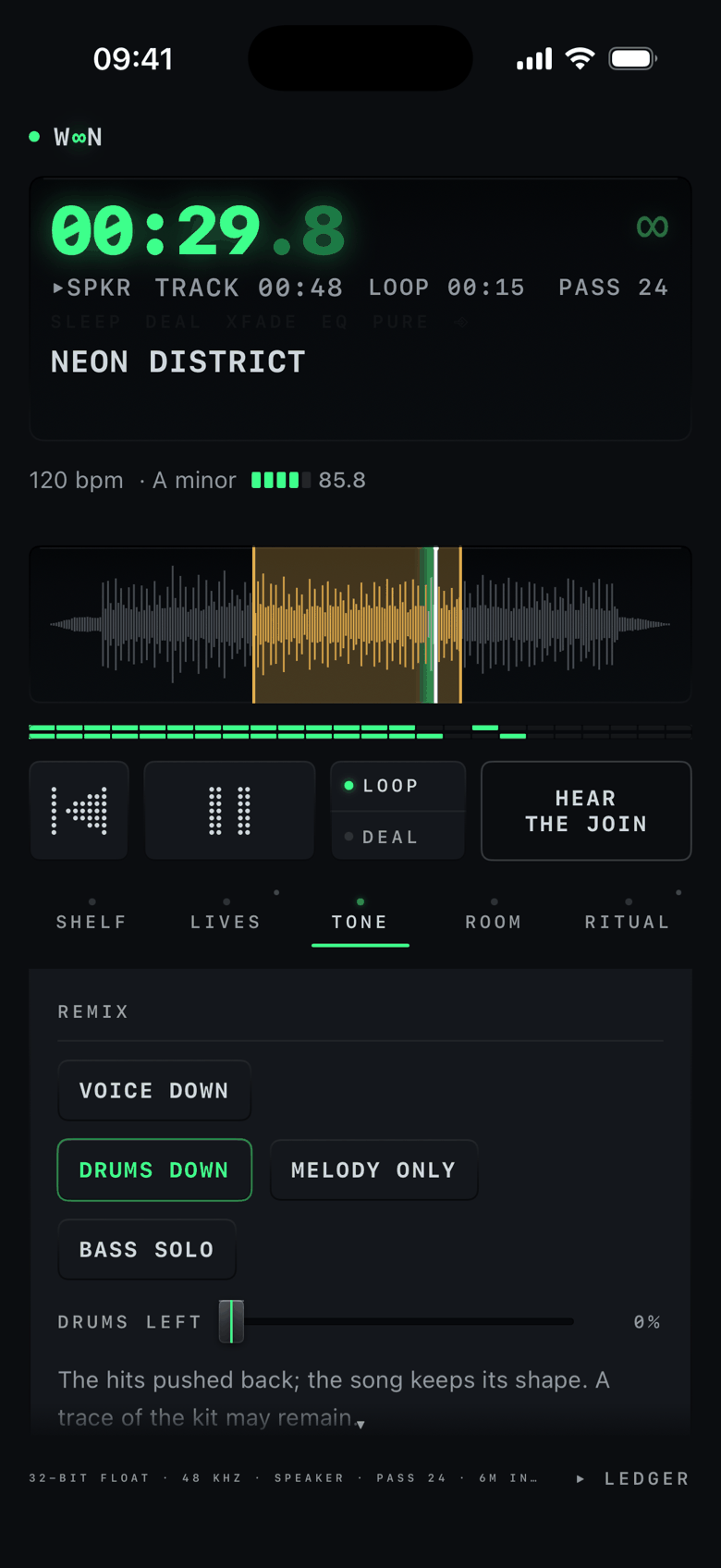
Woon can reach inside the song while the loop holds: pull the voice back, push the drums out, keep only the melody, solo the bass — live, on your device. The hits pushed back; the song keeps its shape.
Room 04 · The Workbench
Place your loop by hand.
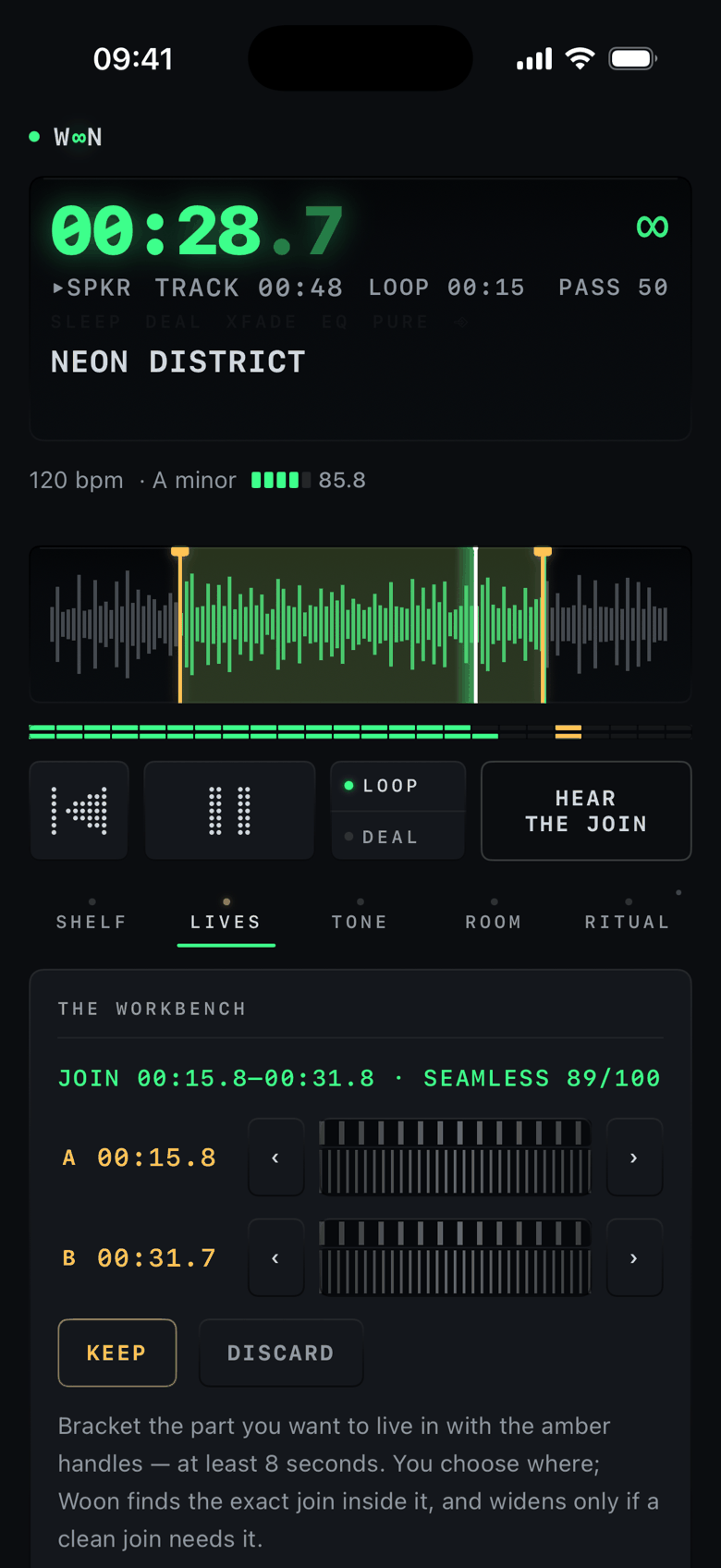
Place your own loop by hand — the machine proves it’s seamless. Bracket the part you want to live in with two amber handles; Woon finds the exact join inside them and shows its work: SEAMLESS 89/100, measured on the spot, with fine A/B jog wheels if you want the last word.
Keep it, and it’s saved with the song.
Room 05 · Bridge
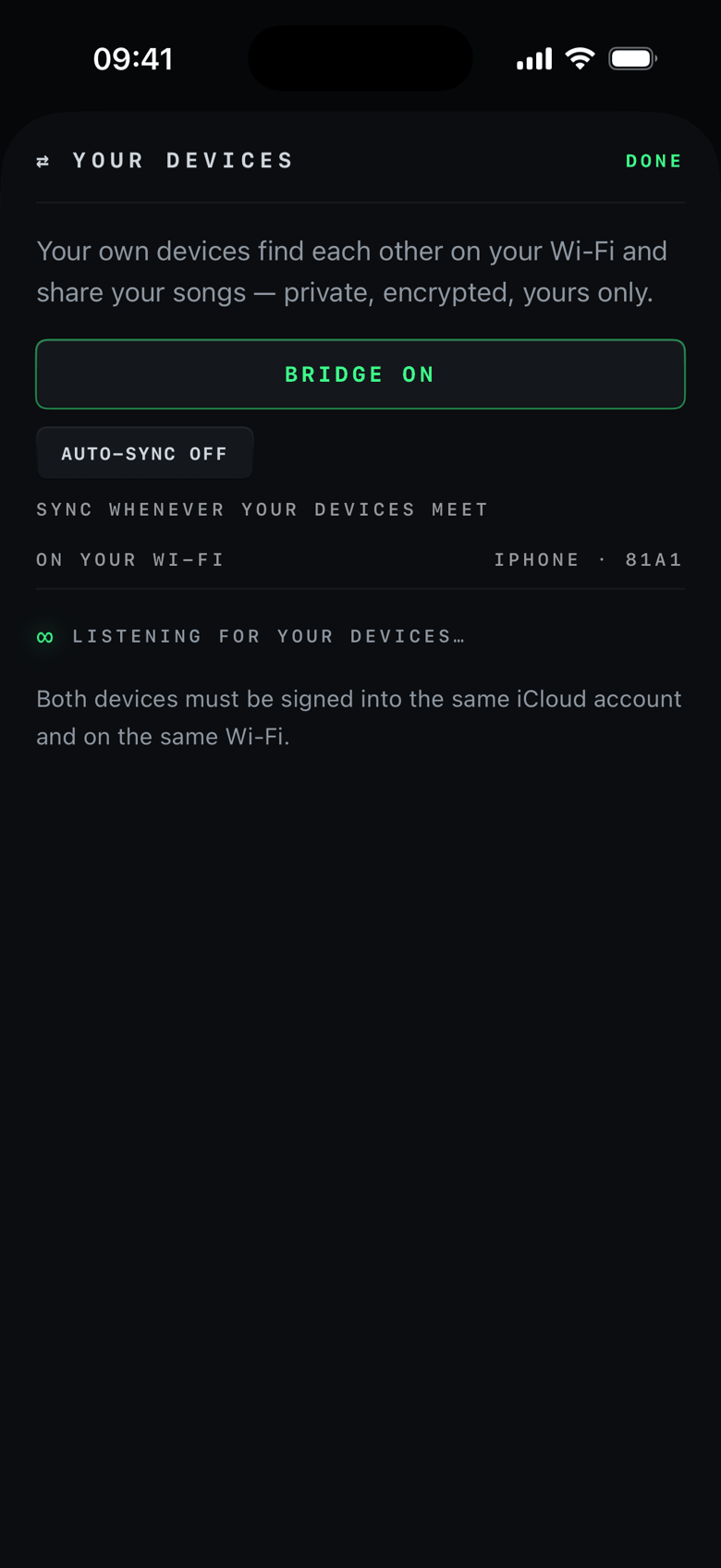
Your devices find each other.
No pairing button. Your devices share one Apple ID and one Wi‑Fi — they find each other. Songs arrive with their analysis done. Strangers can’t even see your device’s name.
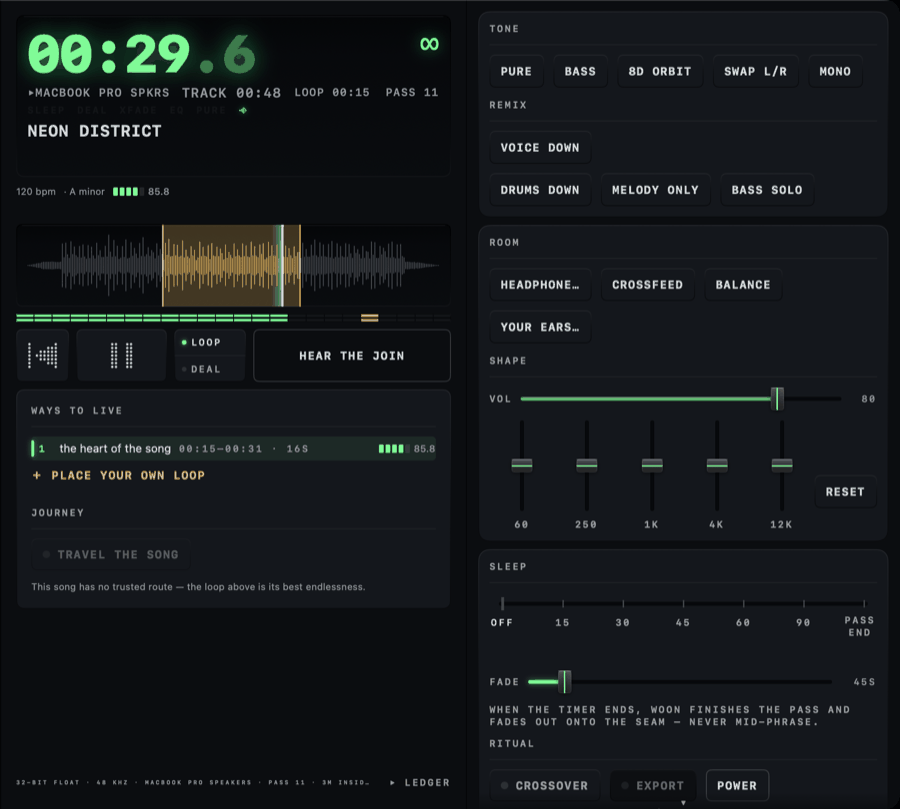
The desk · Mac
A component for your desk.
The whole machine in one window — your shelf, the deck, and the rack: tone, room, shape, sleep, all lit at once. And it answers the keyboard: Space plays. Arrows seek. The number keys pick a way to live. Press ? and it deals you the whole card.
They made your songs shorter.
We make them infinite.
Your files, kept whole.
For iPhone · iPad · Mac